
Let It Snow: On Rabbit Holes and Linux
How It Started
I love Bluefin. I love the stability, delightfully curated user experience, and the ability to roll back to a previous version when something goes wrong. I spent a good two years as a Bluefin maintainer and contributor before I had to step back to take care of preemie babies.
Then the bootc team released support for composefs backends.
Previously the only available option was ostree which is very much tied to the RedHat family of Linux distributions.
With composefs we could now create bootc images based on any Linux distribution we wanted!
That meant I could create something that looked and felt like Bluefin, but was based on Debian instead of Fedora. So I recruited some like-minded folks and we set out to do just that.
Snow
We named our new project Snow.
Because Snow is Not Windows.
It was the best recursive acronym we could come up with, don’t judge. Snow is a Bluefin-inspired Linux distribution based on Debian Trixie. We tried to keep the same attention to detail that the Bluefin team puts into their releases but with a Debian base instead of Fedora.
We struggled initially as the composefs backend was new and there were some rough edges. Things were smooth for a few weeks. Smooth enough that Snow
became my daily driver. Installation was difficult because none of the existing Linux installers support bootc with composefs. We forked VanillaOS’s first-setup
to create a bootc-specific installer that could work around the limitations and roadblocks we were running in to.
But then things started to break. Our installer stopped working because of changes in the underlying bootc project. We ran into
issues with the ESP partition filling up after multiple updates. This post is not about throwing shade on the bootc team. They’re doing amazing work and they’re moving fast. We’re confident
that these issues will be resolved in time. This post is about the rabbit hole we went down trying to get Snow to a stable place.
The frequent breakages meant we were spending more time trying to find workarounds than we were actually using the OS.
Vibe It Up
After a particularly frustrating week of trying to fix breakages I sat down in front of VS Code and started wondering if we could do bootc without bootc.
What if we skipped composefs and built a tool that installed and managed bootc compatible images using an A/B root partition scheme?
I started prototyping a tool with my good friends Copilot and Claude that would do just that. The idea was simple: have two root partitions, one active and one inactive. When an update is available, download the new image to the inactive partition, switch the bootloader to boot from the inactive partition, and on next reboot the new image becomes active. If something goes wrong, we can just switch back to the previous partition.
I called the project phukit out of frustration. (A play on words that I won’t explain here.) After about 2 days of furious hacking it was actually working pretty well. Installations and updates worked fine. It was missing a lot of features
that bootc already had, but it was a good start. Our merry band of Snow enthusiasts decided to give it a try as the backend for Snow instead of bootc composefs.
Having decided to go this route, we renamed the project to nbc (Not Bootc). Our intention then and now is to retire nbc once bootc matures and stabilizes. That’s important to note here. We’d rather not be in this business.
More Vibes
It took about two weeks of nightly hacking sessions to get nbc to a point where we felt comfortable using it for Snow. I started daily driving it right away, but with scheduled backups every hour just in case (that was a good call, a lot can go wrong).
As I got more comfortable with AI assisted development I started to wonder what other tools we could build to make the experience better.
I added Chairlift to give Snow users a nice GUI for managing updates and software installed with Flatpak and Homebrew. By this point we had nbc working with a read-only root filesystem.
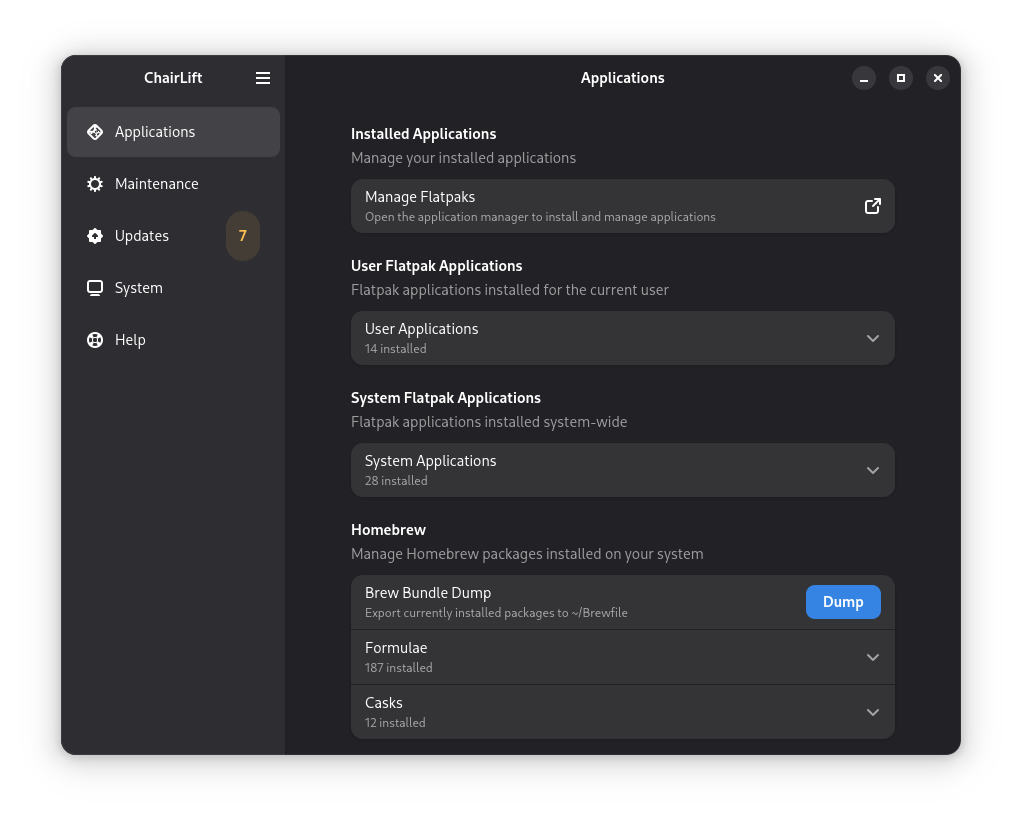
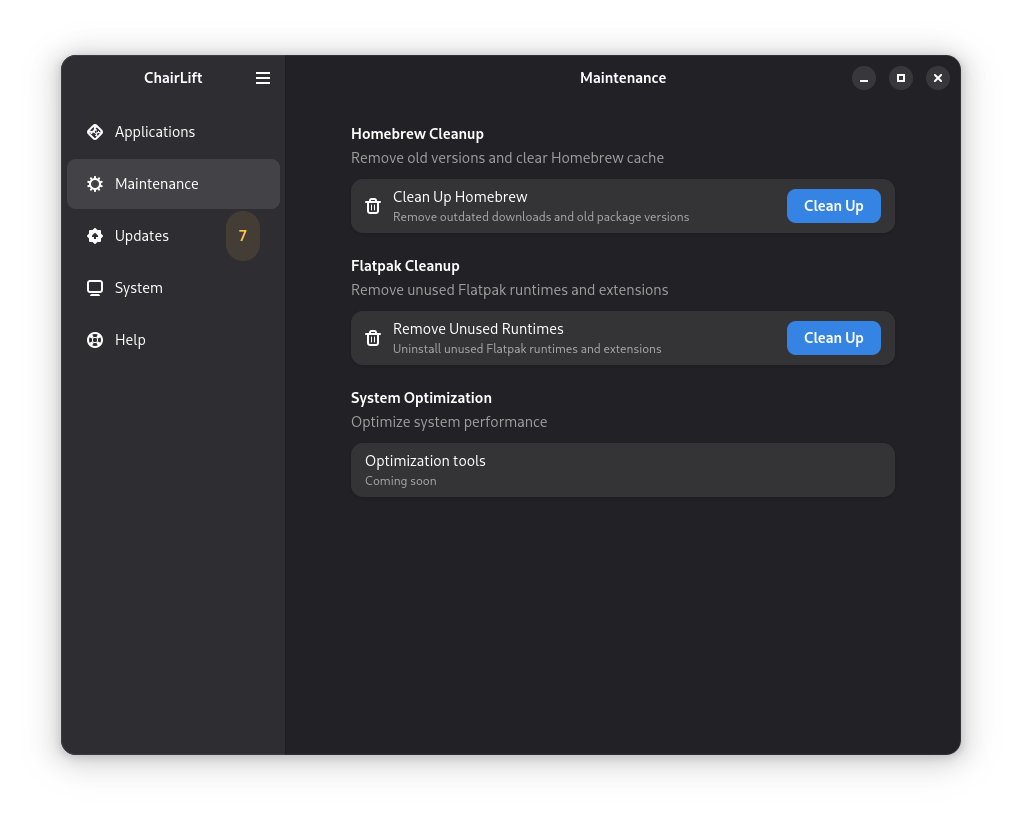
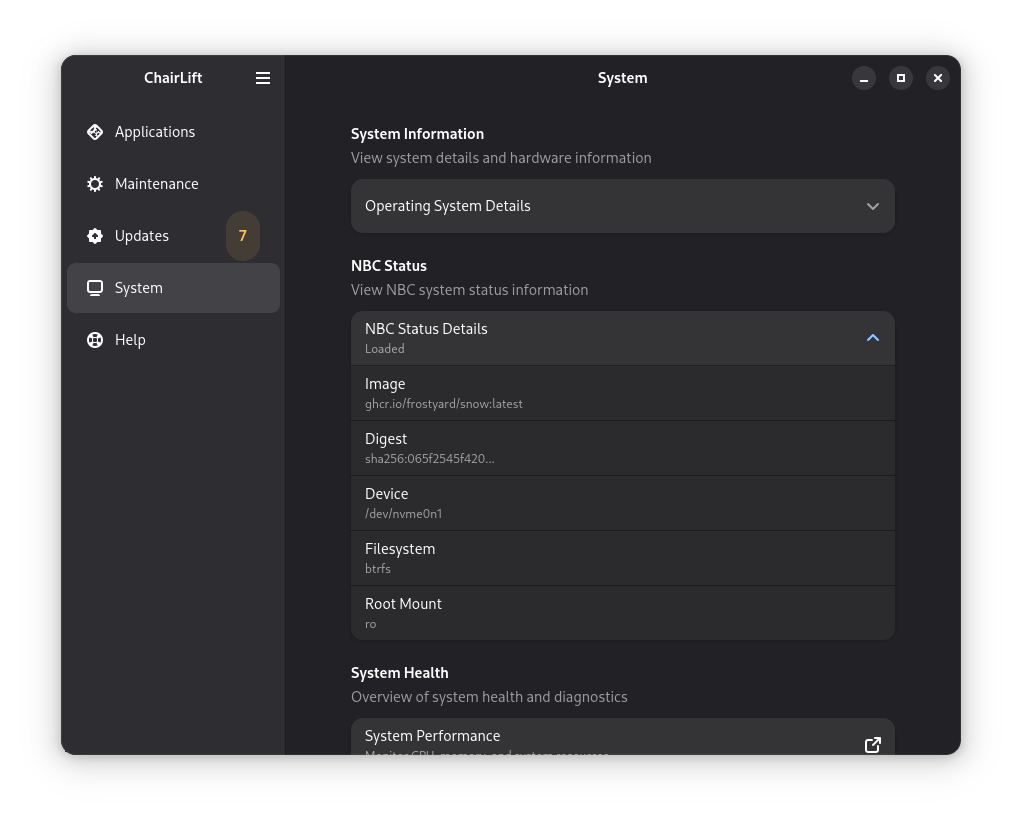
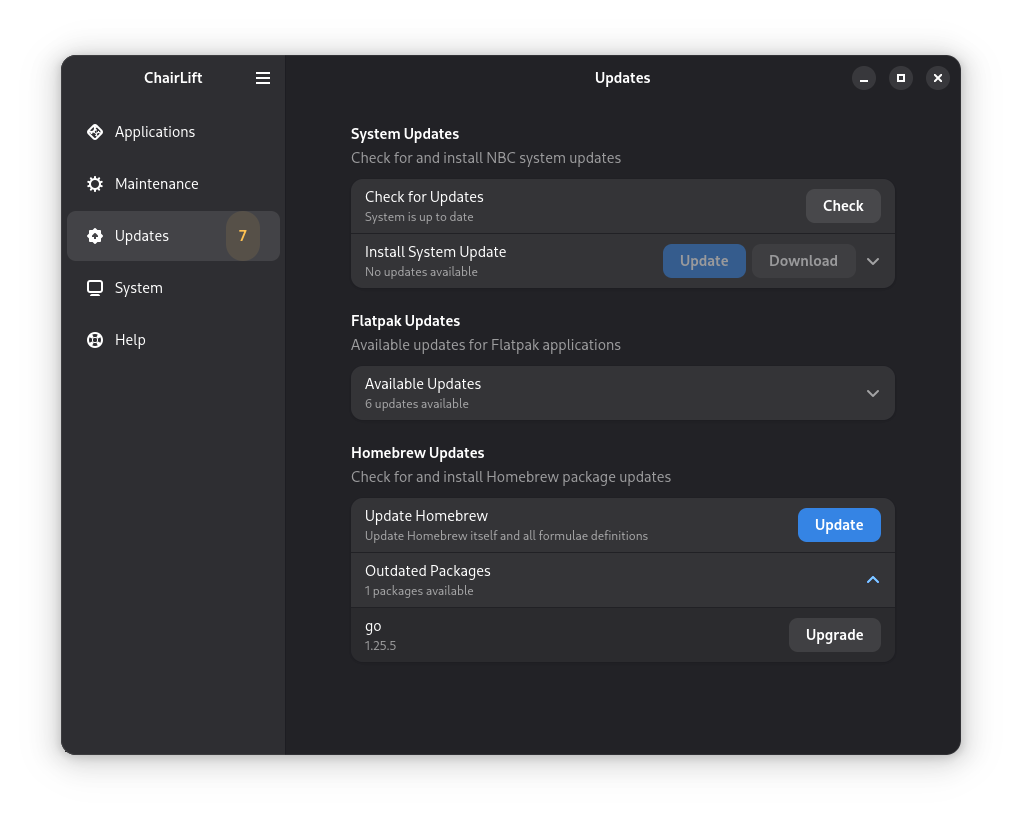
I added plow to automatically generate a Debian package repository and host it on Github Actions and Pages. That was pretty slick, but I didn’t think through the implications of large file storage… GH Pages doesn’t support git-lfs. Fortunately I found repogen. I forked it to add support for hosting systemd-sysexts and integrated it into our pipeline.
In Fedora, there’s a delightful tool called sysexts-manager that makes it pretty painless to manage system extensions. It relies on systemd’s sysupdate feature to download and apply extensions. For reasons only known to Debian maintainers, systemd-sysupdate is not packaged in Debian, and won’t be packaged in Debian any time soon. So how to get that experience on Snow?
Yet another project, that’s how.
updex was created to discover, install, and update systemd-sysexts. It’s the light version of systemd-sysupdate. For this one, I pointed Claude at the man page for systemd-sysupdate and said “make that in Go”. That really simplified the experience of adding extensions.
Each step along the way I got more comfortable with using AI to help me prototype and build these tools quickly. I still had to do a lot of the heavy lifting, but having AI assistants that could help with boilerplate code, documentation, and testing made a huge difference.
Next Steps
Our Snow builds happen with podman/buildah and Github Actions. Now we’re experimenting with using mkosi to create the container images. mkosi has built-in support for creating oci images, but it’s missing the tooling to add annotations and tags. We added that in a post-processing step for now. The biggest benefit of mkosi is that it enables a workflow that allows really simple creation of sysexts. The VSCode I’m using to write this comes from a sysext built by mkosi.
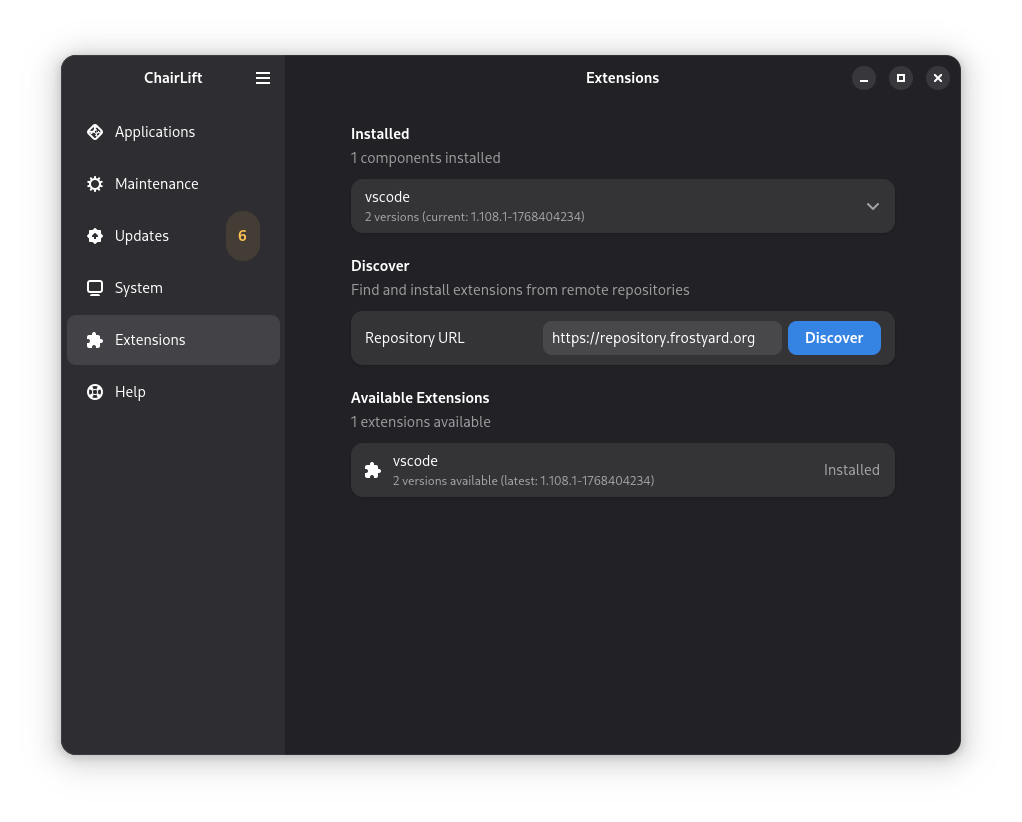
You can see that work in progress here at snosi.
Prime Time?
We’re not ready for Hacker News yet. There are still rough edges to smooth out. But I’m actually really excited about where Snow is going. It needs more polish, a ton more documentation, and more users to help find bugs and edge cases we didn’t foresee. The progress we’ve made in such a short time is encouraging, and I’m not exaggerating when I say that AI assistance has been a game changer for me.
And this is the most fun I have had building software in a very long time.
Join Us!
If you’re interested in trying out Snow, contributing to the project, or just following along with our progress, check us out on GitHub.
Snow Linux
Snow Linux
Take the Plunge?!
If you decide to try Snow, please remember that it’s still a work in progress. Back up your data and be prepared for breakage. We’re working hard to make it stable and user-friendly, and you can help us polish it up.
Snow Linux Installer
Snow Linux Installer